Overview
The New Administrative Tools page allows administrators to manage and configure the features of the Mobile Check-In site. As we developed the ability to export cases to Repair Orders (RO) from the Mobile Check-In site, we recognized the importance of customizing settings based on location. We understand that not all locations may want their technicians—the primary users of this site—to have access to export cases from the Mobile Check-In platform.
The updates made to the Mobile Check-In feature significantly enhance administrators' management experience and improve technicians' overall functionality. By following the steps outlined in this guide, administrators can efficiently manage Mobile Check-In settings and effectively support their teams.
Administration
To manage these settings effectively, navigate to the New Administrative Tools page and find the newly organized section for Mobile Check-In configurations.
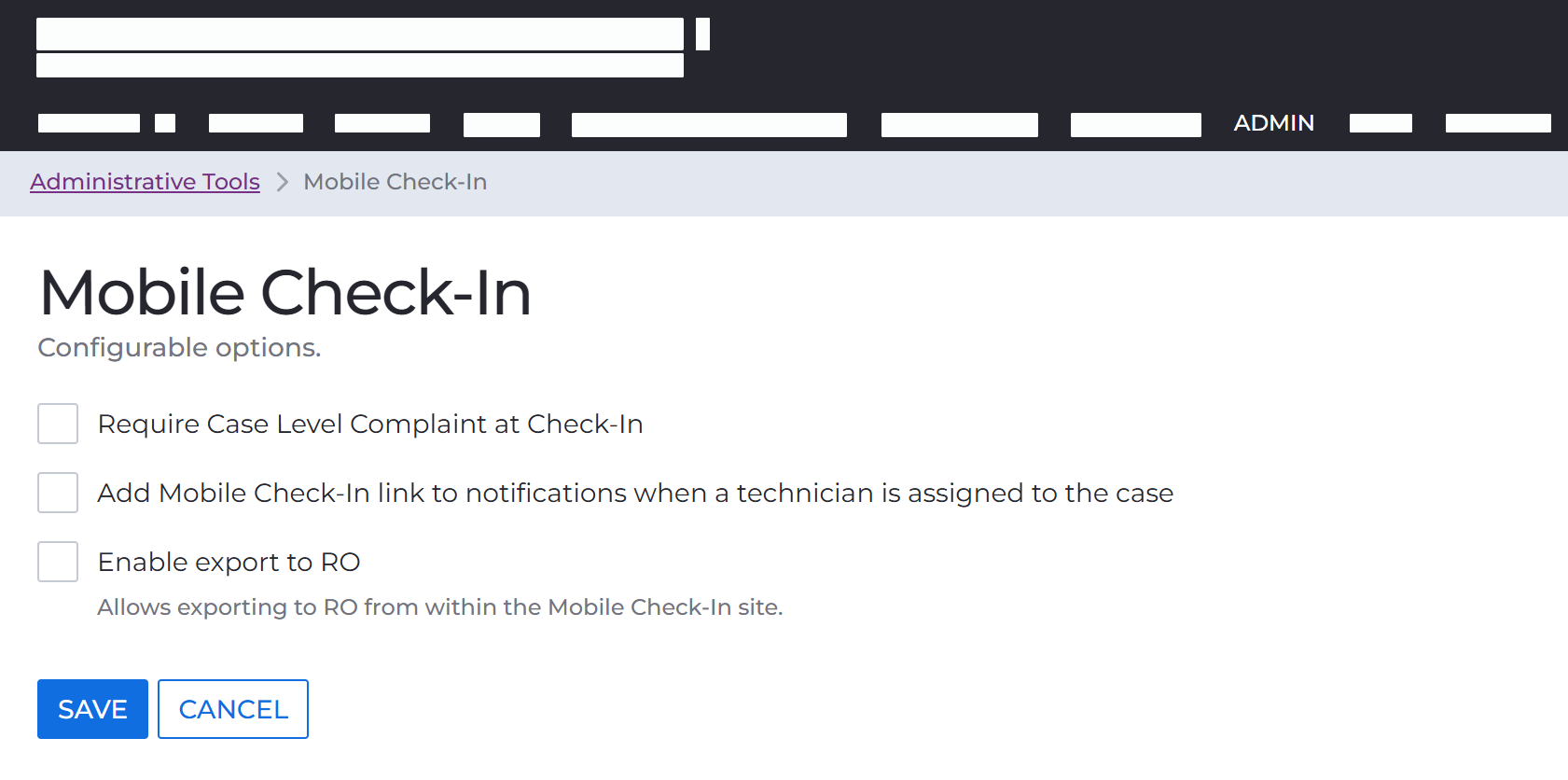 Configuration Options
- Require Case Level Complaint at Check-In (on the Mobile Check-In site)
- Add Mobile Check-In link to notifications when a technician is assigned to the case
- Enable export to RO
- Allows exporting to RO from within the Mobile Check-In site.
Comments
0 comments
Please sign in to leave a comment.